How to play Chunklock in Minecraft
If you've been watching Minecraft content on YouTube lately, you've probably come across Chunklock videos. In this gamemode, the entire world is locked. Want to learn how to play? Read on!
Announcements

Vachette
Editor
Published on 3/31/2026
![Thumbnail for [object Object]](/assets/content/how-to-play-chunklock-in-minecraft/image-en.png)
How to Play Chunklock in Minecraft
If you've been watching Minecraft content on YouTube lately, you've probably seen Chunklock videos.
In this gamemode, the entire world is locked. To progress, you unlock each chunk one by one by gathering specific resources. It's one of the most challenging and creative Minecraft gamemodes of 2026.
In this guide, you'll learn exactly how to set it up.
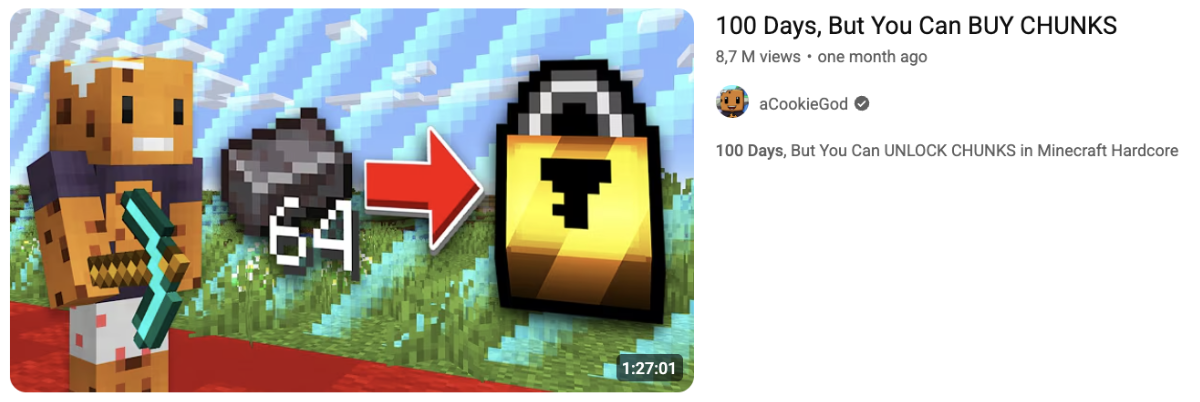
How to play Chunklock
Before you begin, make sure you have:
- Minecraft Java Edition 1.21.8 or higher
- The Chunklock datapack from Modrinth or CurseForge
- A fresh new world (Chunklock does not work on existing saves)
- At least 8 GB of RAM (especially for multiplayer)
- The official Minecraft launcher (third-party launchers are not supported)
- No additional mods
Step 1: Download the datapack
Go to Modrinth and download the version matching your Minecraft version. The file is a .zip archive.
Do not extract it. Datapacks must be installed directly as .zip files.
Step 2: Create a new world
Open Minecraft and create a new world. During world creation:
- Click "More World Options"
- Open the "Data Packs" tab
- Click "Open Pack Folder"
- Move Chunklock from the available list to the selected list
You're ready to play.
Step 3: Play with friends
This is where things can get frustrating. You have two options:
- LAN (only if you're on the same network)
- Self-hosted server (online)
If everyone is on the same Wi-Fi, open your world to LAN from the pause menu with "Open to LAN". Friends can join from the Multiplayer tab. This only works locally.
A self-hosted server lets you play online from anywhere, but setup can be tedious:
- Find and download the correct server version
- Run it once, stop it, and configure files
- Complete server setup without breaking anything
Depending on your router and experience, this can take 30 to 60 minutes.
The easier way to play with friends
If you don't want to deal with server setup, port forwarding, or compatibility issues, there is a simpler option.
The Chunklock server lets you jump in instantly, with no datapack installation and no setup required. Just add the IP and play.
- Launch Minecraft 1.21.8
- Click "Multiplayer"
- Click "Add Server"
- Enter:
map.chunklock.com - Enable resource packs in server options
- Select Chunklock and click "Join Server"
That's it. No setup, no hosting, no headaches.
See you on the server.